The Ship
The console and its four buttons, abducting a new human, the capsule and tube, storage, and deliveries.
Your room is aboard your ship. Its controls come up out of the floor when you need them.
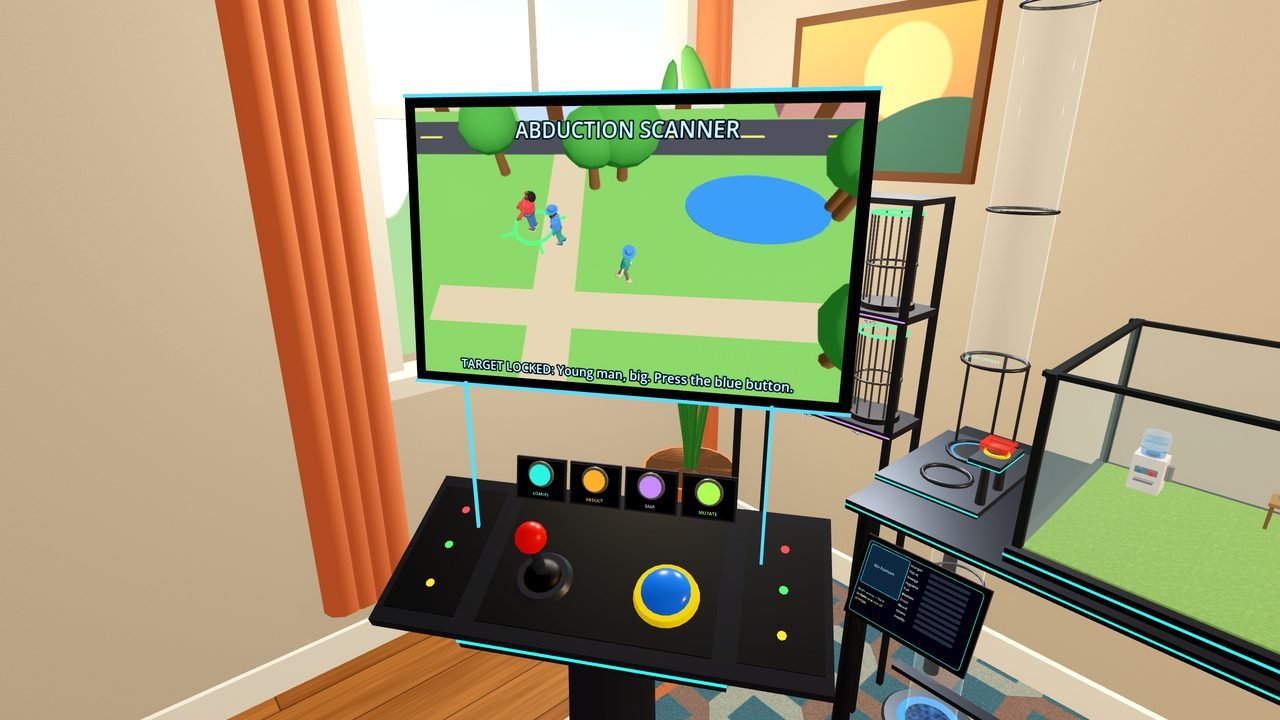
The console
The console waits under a hatch in the floor. Point at the hatch and pull the trigger and it rises, its wings unfold, and a screen floats above it. Along the back of the deck are four buttons (press them with a finger, or point and pull the trigger):
| Button | What it does |
|---|---|
| COMMS | The planet's welcome message, its transmissions (pick a reply and they answer), and Jobs |
| STORE | Opens this planet's store on the delivery post. On Earth it reads ABDUCT instead |
| MAP | The star map. Push the joystick toward a planet, then press the big blue button (or point at Fly there) to warp |
| MUTATE | Brings up the mutation station. See Mutation Station |
During a warp the stars stretch into streaks and the new planet comes up in the window. Your human reacts too. There is no shopping or abducting in flight.
Abducting a new human
You can only abduct on Earth, and only when nobody is out. With nobody out, the abduction panel comes up on its own after a few seconds.
- The screen drops from orbit to a neighborhood with three humans wandering around.
- Grab the joystick and steer the targeting ring onto one. It locks on and tells you who they are, and they stop and gape at the sky.
- Press the big blue button. A beam lifts them into the ship.
- The console folds away, machinery clunks under the floor, and the capsule comes up the tube with your new human. Ding!
The capsule and the tube
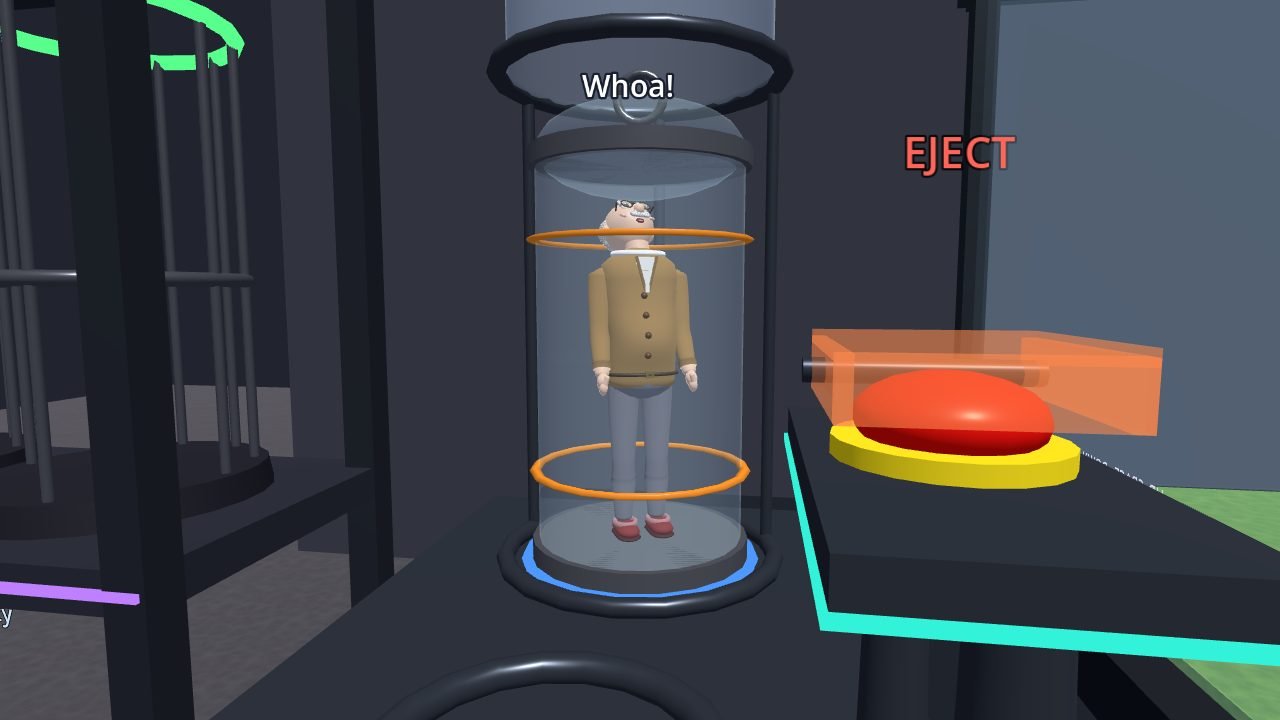
The tube station stands beside the habitat, with a tube running up to the ceiling (space) and down through the floor (the rest of the ship). The capsule carries humans and crafts.
- New arrivals come up the floor tube shut inside the capsule, wondering where they are. Pull the trigger on the capsule to open the lid, then tip it over the habitat to let them out. You cannot pull a human out of the capsule by hand; grabbing at them picks up the capsule.
- Eject a human. Drop them into the open capsule (the lid closes), put it in the receiver at the bottom of the tube, wait for the cover to lift, and press the red EJECT button. They plead, bargain, wave or just look confused before launch. Thoomp.
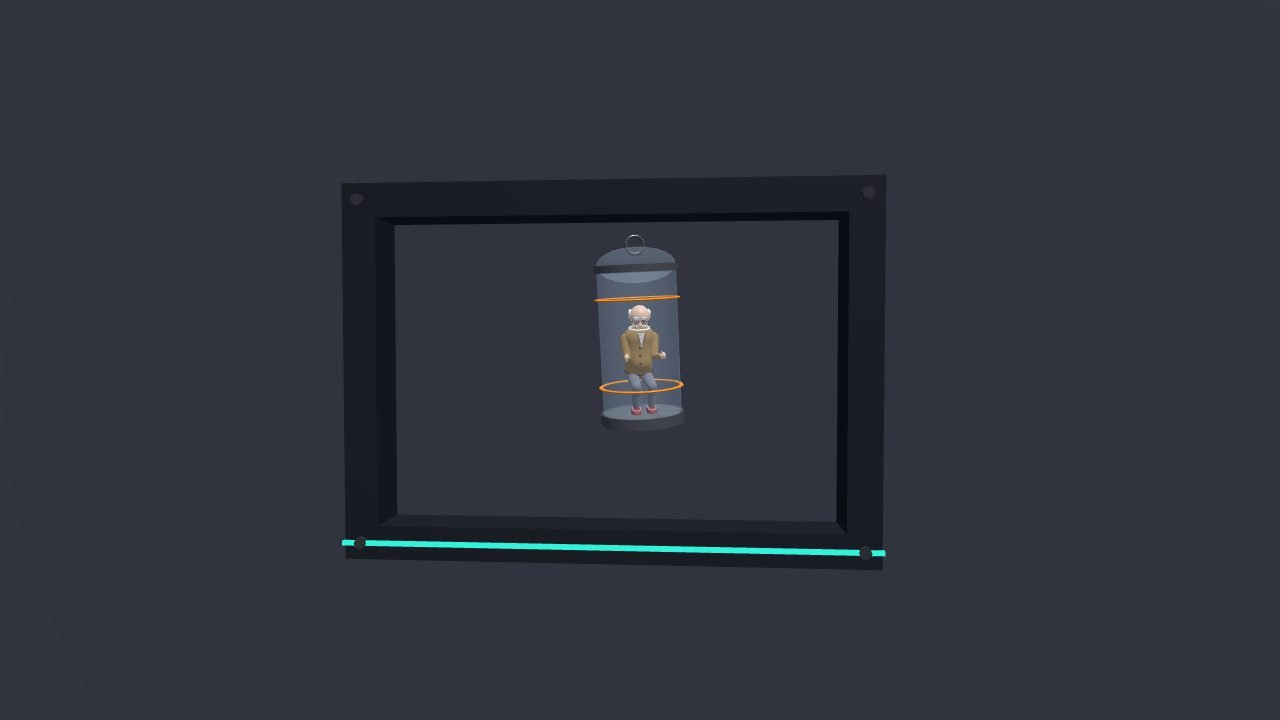
- Send crafts. Drop crafts in, dock the capsule, and press the blue SEND button. See Crafts and Credits.
- Call a capsule. With a human out and no capsule around, point at the floor end of the tube and pull the trigger.
The storage shelf
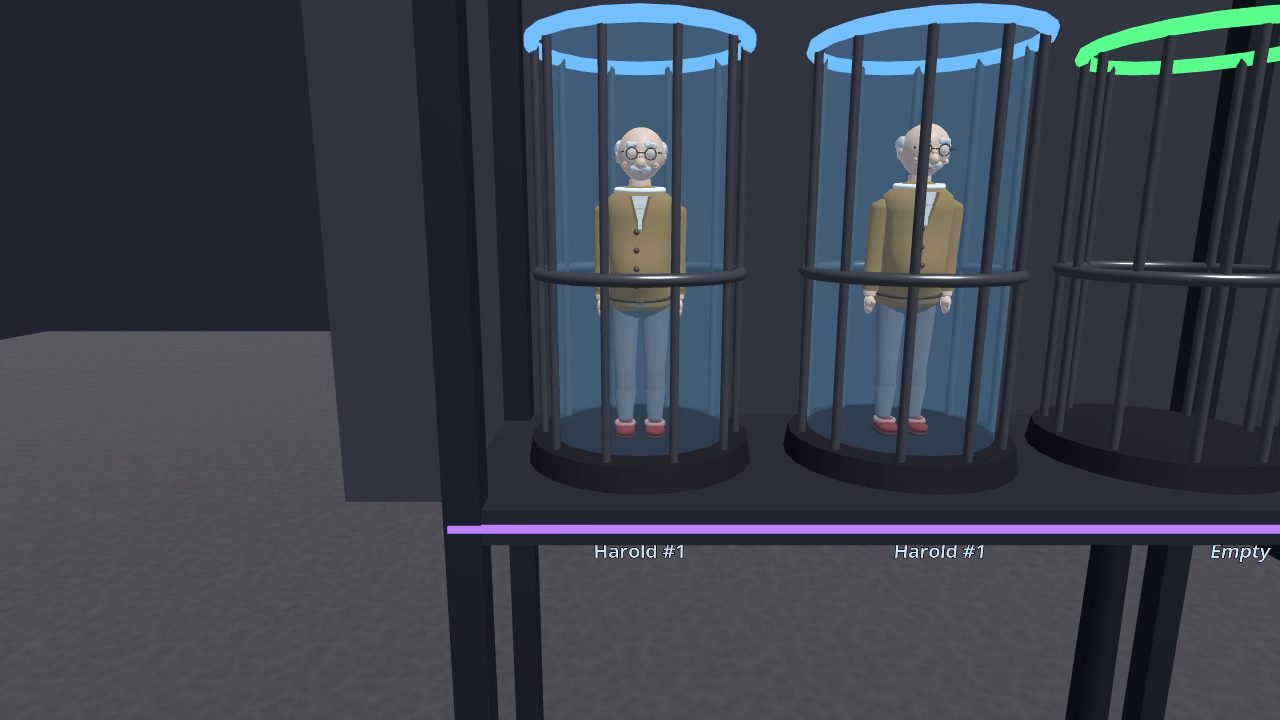
The storage shelf stands on the floor near the tube, with six cages. Drop a human into an empty cage and they go into stasis, exactly as they are, mutations and all. Grab them out of the cage later to bring them back. Only one human can be out at a time.
The delivery post
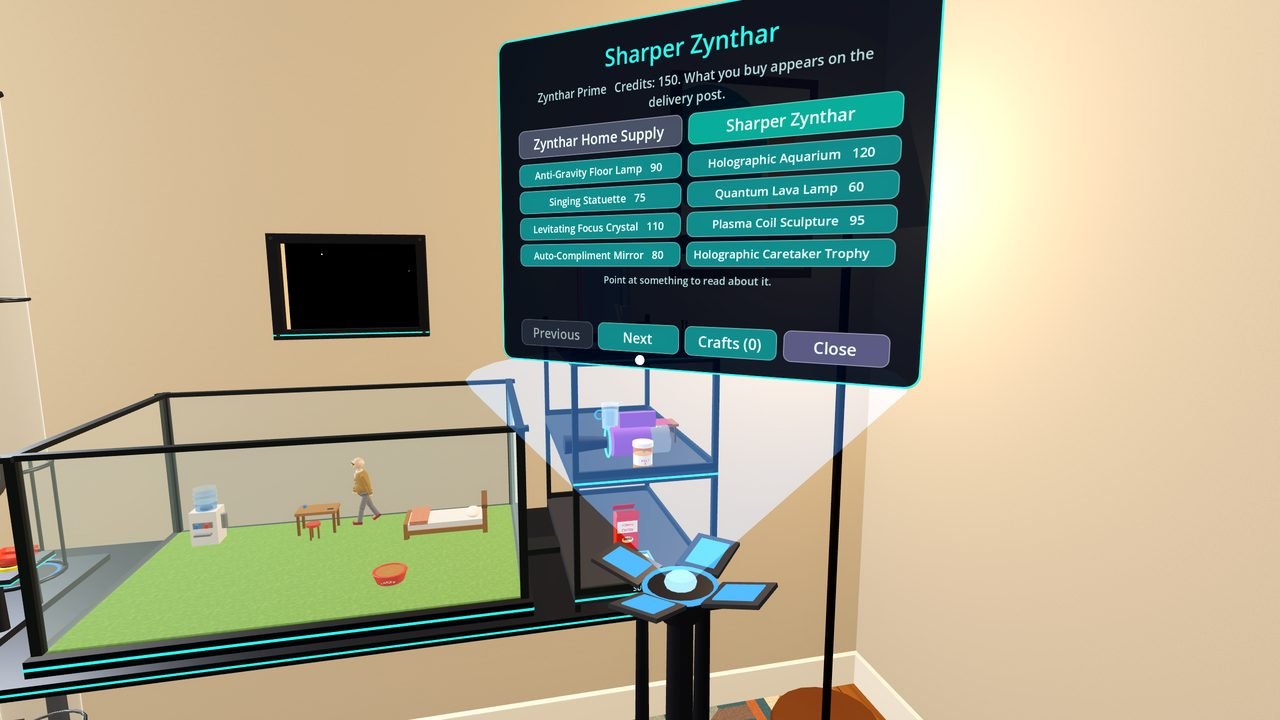
The delivery post lives under a hatch on the floor in front of the supply shelf. Press Right A (or point at the spot and pull the trigger): a pole telescopes up and its head unfolds into the store screen. Pick something and a little atom gathers over the post, then flashes, and your order floats there in a bubble of light. Grab it and the post folds away. Prizes from events arrive here too.
Trophies
A podium finish at an event earns a gold, silver or bronze trophy with a little plaque. It arrives at the delivery post, and you can show it off wherever you like.